
Product and menu highlights
Multiple items can be shown in one post, making carousels an efficient way to showcase your menu.
Restaurant teams often have enough photos to support carousel content. What they usually do not have is enough time to build those carousels manually every week.
A stronger workflow helps you turn existing restaurant photos into carousel content faster, with less repetitive production work.

Carousels can be a strong format for restaurants because they help present multiple dishes, step-by-step content, menu stories, promotions, educational content, and campaign variations from one asset set.
But even when the format is useful, the workflow is often too slow. Common friction points include:
The issue is not whether restaurants should use carousels. The issue is whether the workflow makes them realistic to produce often enough.
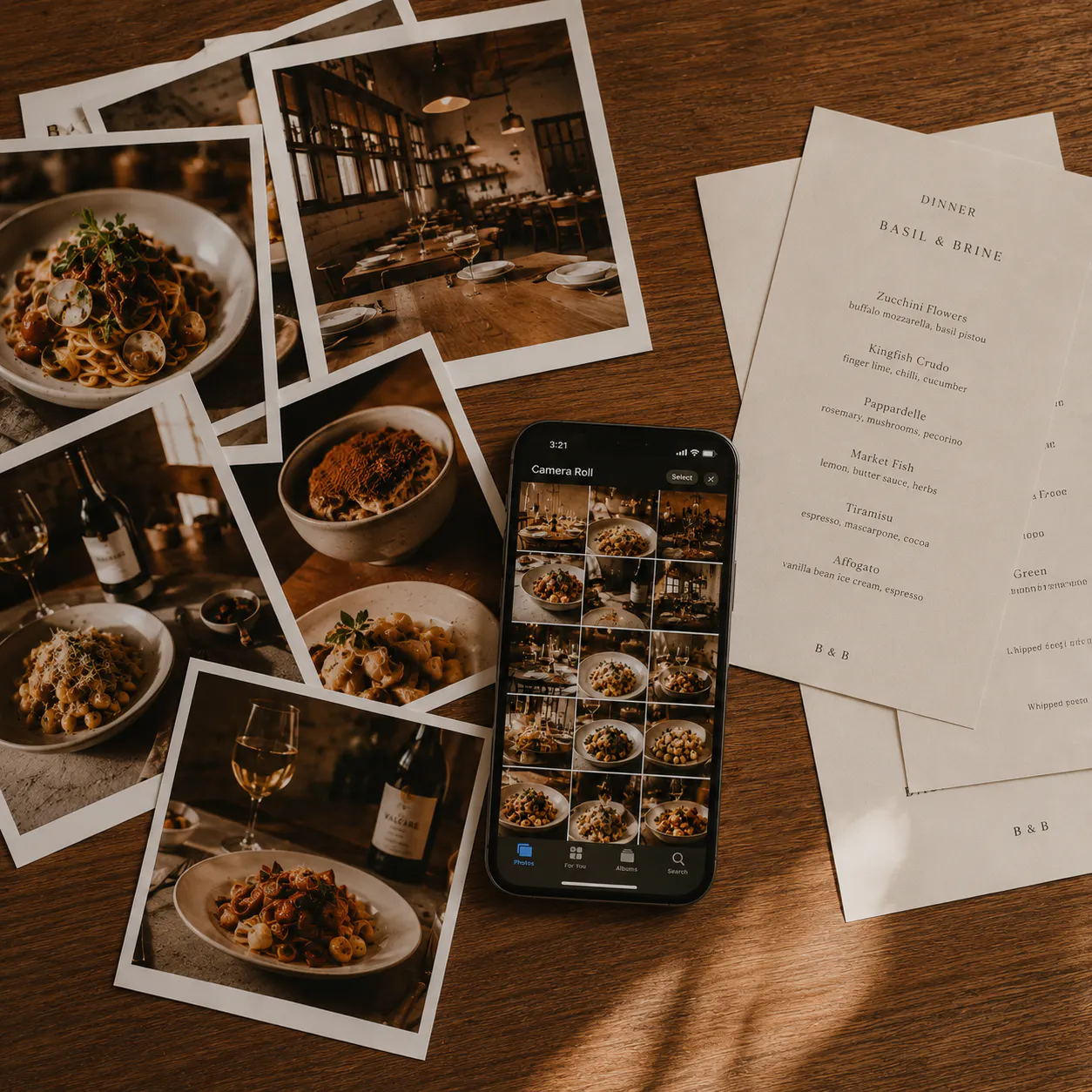
Many restaurant teams already have the right inputs: food photos, menu visuals, launch assets, campaign shoots, iPhone shots, and creator content.
What they need is a way to turn those images into a repeatable output format. A stronger carousel workflow helps teams:
Multiple items can be shown in one post, making carousels an efficient way to showcase your menu.
Easy to explain and sequence visually — ideal for communicating a time-sensitive offer.
Better for multi-slide storytelling, letting you build a narrative across several frames.
One photo set can support multiple slides and multiple posts, extending the value of a single shoot.
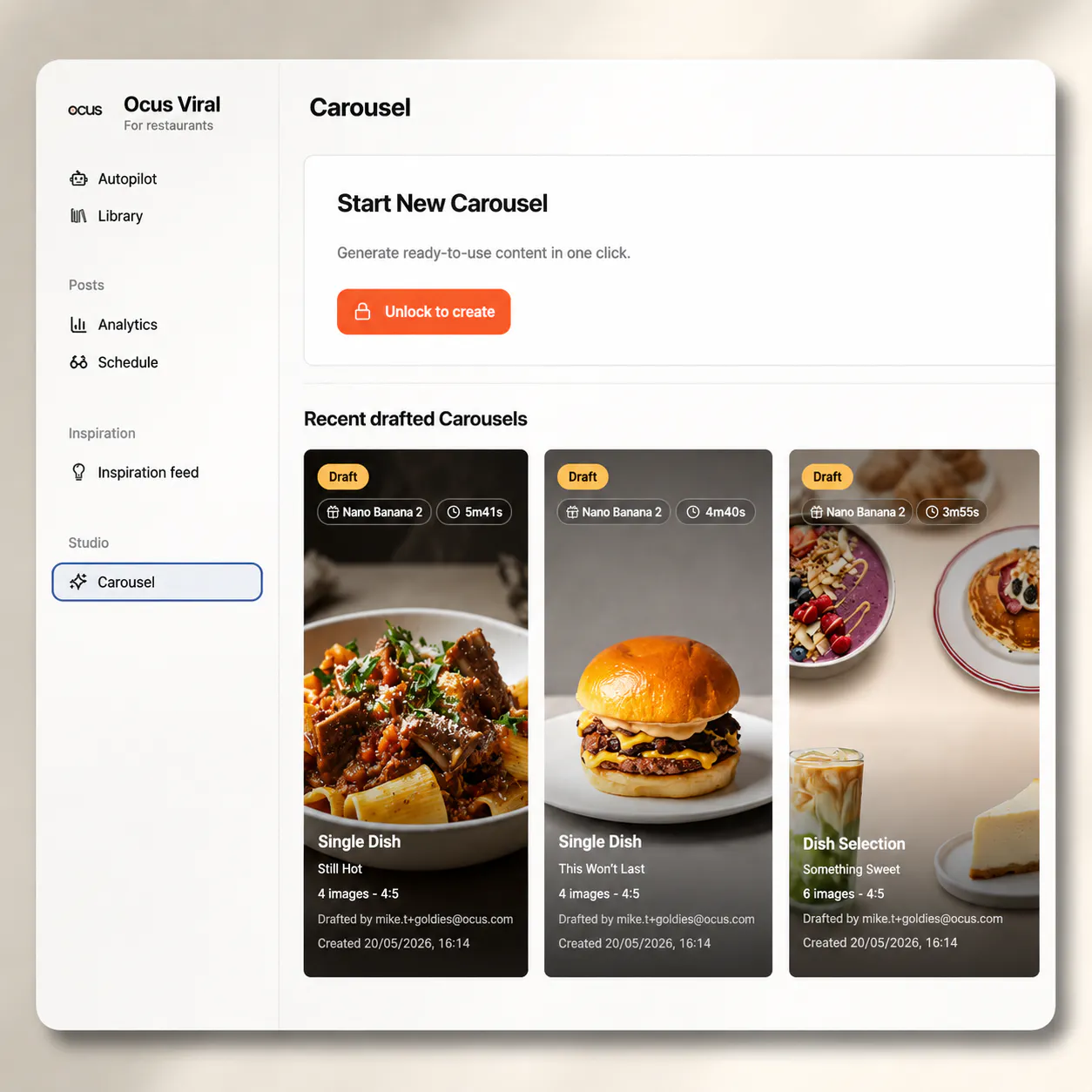
Studio is a strong fit here because the problem is not just how to make a carousel. The problem is how to make carousel creation more repeatable and less manual.
Studio supports this use case by helping restaurant teams:
This is why carousel creation should sit as a clear Studio use case, not only as a one-off landing page.
See how Studio can support faster carousel workflows for restaurant teams.
See how Studio works